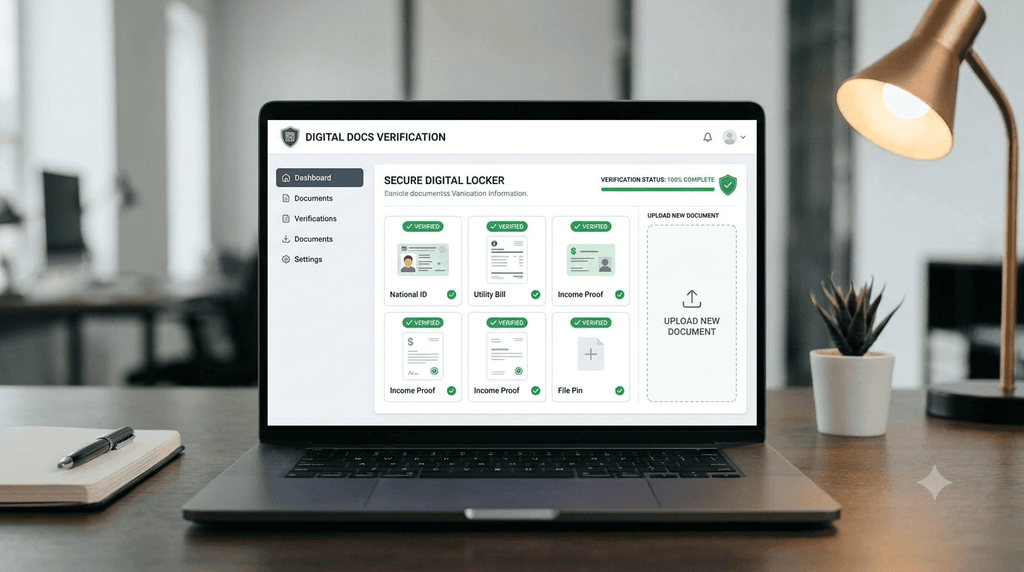
Introduction to Digital Documents Online Verification
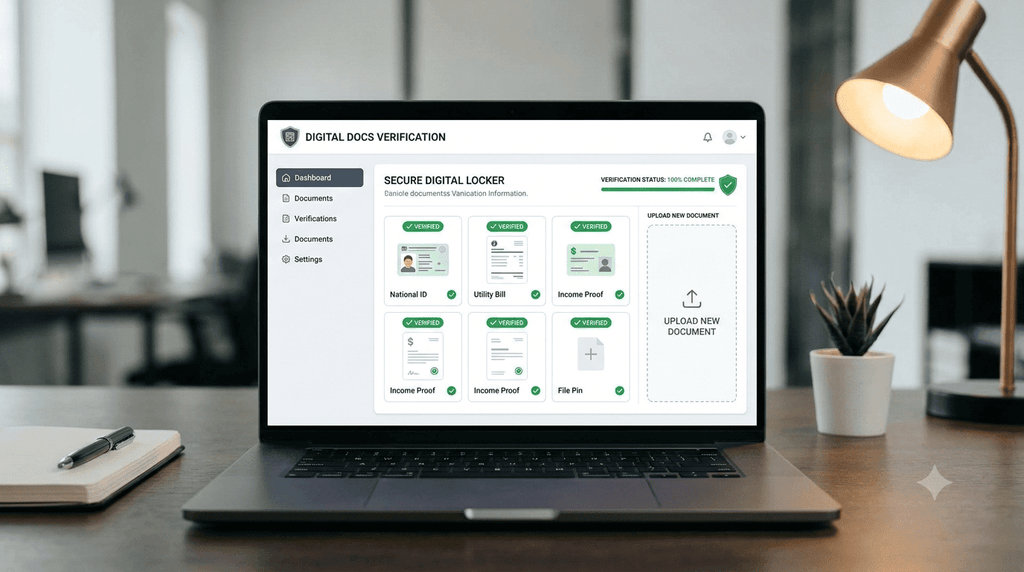
Digital Documents Online Verification has become an important part of accessing government services, educational records and employment-related information in India. People increasingly use digital platforms to download documents, check certificates, and manage important records without visiting an office for every task.
Digital documents are useful for students, job applicants, employees and citizens who need to submit identity proof, educational certificates or other records. However, downloading a document is only one step. Users must also check its authenticity, accuracy, and acceptance by the concerned institution.
In 2026, online document services continue to support convenient access to public information. QaskMe provides useful information about document-related processes, recruitment updates,s and online services. Readers should always confirm document requirements through the concerned issuing authority before submitting any application.
This guide explains how Digital Documents Online Verification works, how users can download important documents, what details they should check,ck and how to avoid common online mistakes.
Importance of Digital Documents Online Verification
Digital documents help users manage important records more conveniently. Instead of depending entirely on printed papers, people can access electronic copies through supported platforms.
The major benefits of digital documents include:
- Convenient access: Users can retrieve available documents online.
- Time-saving process: Online services may reduce unnecessary office visits.
- Easy storage: Electronic files can be stored on a phone or computer.
- Simple sharing: Documents can be shared when the receiving institution accepts digital copies.
- Better management: Users can organize important certificates in one place.
- Reduced paperwork: Some services allow electronic submission instead of physical copies.
Nevertheless, digital documents do not automatically replace every physical certificate. Acceptance depends on the institution and the applicable rules.
How to Download Important Documents Online
The download process varies according to the document and the issuing authority. Users should follow the official instructions for the particular certificate or record.
Step 1: Identify the Required Document
First, identify the document you need. Common examples include educational marksheets, identity documents, income certificates, domicile certificates, and employment-related records.
Check whether the document is available online and whether you need an application number, registration number, or login details.
Step 2: Visit the Relevant Website
Open the website of the issuing authority or the service provider responsible for the document.
Check the website address carefully before entering personal information. Avoid unknown links received through social media, S, MS or email.
Step 3: Enter the Required Information
Some portals ask users to enter information to retrieve a document. This may include:
- Application number
- Registration number
- Date of birth
- Login credentials
- Captcha code
Enter the information correctly. Incorrect details may prevent the document from appearing.
Step 4: Download the Document
After completing the required steps, select the available download option. Many documents are provided in PDF format.
Save the file in a secure folder on your phone or computer. Make sure the download is complete before closing the website.
Step 5: Check the Downloaded File
Open the document and review the details carefully. Confirm that the name, date of birth, certificate number, BER, and other relevant information are correct.
If the document is incomplete or contains incorrect details, contact the issuing authority and follow its correction procedure.
How to Verify Digital Documents Online
Digital Documents Online Verification helps users check whether a document is authentic and whether its information matches the relevant official record.
Verify the Document Through Its Issuing Authority
The issuing authority is generally the most reliable place to check a document. Depending on the certificate, the authority may provide an online verification facility.
Users should check the certificate number, reference number,mber and other information requested by the verification system.
Check the QR Code
Some digitally issued documents contain a QR code. When a verification facility is available, scanning the code may help users retrieve information about the document.
However, not every QR code is genuine. Use a trusted verification application or the relevant official website.
Check the Digital Signature
Some electronic documents contain digital signatures. Users may inspect signature information through compatible PDF software.
A valid digital signature can help establish whether a document has been altered after signing. Users should check the signature status and certificate information using suitable software.
Compare the Document Details
Carefully compare the information displayed on the document with the information available in the official record.
Important details include:
- Full name
- Date of birth
- Registration number
- Certificate number
- Issuing authority
- Issue date
If any detail is incorrect, contact the issuing authority for clarification or correction.
Important Documents Available Through Online Services
Different types of documents may be available online depending on the issuing authority and the user’s eligibility.
| Document | Where to Check |
|---|---|
| Aadhaar Card | Relevant identity document service |
| PAN Card | PAN service provider |
| Educational Marksheet | University or education board portal |
| Income Certificate | State government portal |
| Domicile Certificate | State government portal |
| Birth Certificate | Municipal or state portal |
| Driving Licence | Transport-related service |
| Voter ID | Election-related service |
| Recruitment Documents | Recruitment board website |
Not every document can be downloaded directly. Some require registration, identity verification,atio,n or a separate application.
Educational Documents
Students often require marksheets, certificates and academic records for admission, examinations and employment.
Students should visit their university or education board website to check the availability of academic documents. The process may differ between universities and examination boards.
Before submitting a digital marksheet, check whether the institution accepts an electronic copy or requires a physical document.
Government Certificates
Government certificates such as income and domicile certificates may be available through state-specific portals.
Applicants should check their application status and download the certificate only after approval. If the certificate is unavailable, follow the instructions provided by the concerned department.
Employment-Related Documents
Job applicants may need identity proof, educational certificates, category certificates, photographs,s and other supporting documents.
Recruitment notifications generally explain which documents are required. Applicants should read the notification carefully and prepare the documents before the application deadline.
Common Problems During Online Document Download
Users may sometimes experience problems while downloading or verifying digital documents.
Incorrect Application Details
Entering an incorrect application number, date of birth,h or registration number may result in an unsuccessful search.
Double-check the information before submitting it.
Website Not Opening
A portal may temporarily become unavailable because of maintenance, technical issues, or heavy traffic.
Try again after some time. You may also check whether the website is accessible through another browser or internet connection.
Document Not Available
A document may not appear because the application is still under verification, the issuing authority has not uploaded it,t or the service does not support online downloads.
Check the application status and follow the official instructions.
PDF File Not Opening
If a downloaded PDF does not open, try downloading it again. Make sure your device has a compatible PDF reader.
Avoid using unknown websites to repair or convert documents containing sensitive information.
Incorrect Information on the Certificate
If the certificate contains incorrect details, do not edit the document yourself. Contact the issuing authority and follow the prescribed correction process.
Safety Tips for Digital Document Users
Digital document services are convenient, but users should protect their personal information.
- Use trusted websites and applications.
- Avoid downloading documents from suspicious links.
- Never share OTPs with unknown people.
- Use strong passwords for document-related accounts.
- Log out after using a shared computer.
- Keep sensitive files in a secure location.
- Check documents before sharing them.
- Avoid uploading identity documents to unfamiliar websites.
- Do not pay unknown agents for document verification.
- Confirm the website address before entering personal details.
Documents may contain sensitive information. Users should share them only when required by a trusted institution or authorized service.
Why Document Verification Is Important
Document verification is an important process in education, banking, recruitment, and government services. It helps institutions check the information provided by applicants.
For example, during recruitment, an organization may verify educational qualifications and identity details. During university admission, an institution may check academic records and certificates.
Verification requirements vary according to the purpose of submission. A downloaded document should not automatically be considered accepted for every application.
Applicants should read the instructions issued by the concerned organization and submit documents in the prescribed format.
Frequently Asked Questions
Can important documents be downloaded online in 2026?
Yes. Many documents are available through digital services and official portals. Availability depends on the issuing authority and the type of document.
How can I verify whether a digital document is genuine?
You can check the document through the issuing authority’s verification facility, Qcoded,,e or digital signature, wherever available.
Are digital documents accepted everywhere?
No. Acceptance depends on the institution, service, and applicable rules. Check the requirements before submitting a document.
What should I do if my document is not available online?
Contact the issuing authority or visit its official website to check the application status and available options.
Is it safe to download documents online?
It can be safe when using genuine and secure websites. Users should avoid unknown portals and protect their personal information.
Conclusion
Digital Documents Online Verification makes it easier for people to access, manage, and check important records. Educational marksheets, government certificates, and employment-related documents may be available through online services.
Users should follow the correct download process, verify documents through trusted facilities, and keep their personal information secure. Before submitting a digital document for admission recruitmentm, recruitment, or another purpose, always check the requirements of the concerned institution.
By using reliable platforms and following the prescribed procedures, individuals can manage their important documents more conveniently in .2.